End-to-end testing handbook
📌 Note: Both core function accounts and full function accounts can be used for customer messaging end-to-end testing.
Core account limitations:
Core function test accounts and their associated shops do not involve real transactions or purchases through a Buyer Test TikTok Account. As a result, any test cases that require actual orders, such as sending or receiving order cards, are not supported.
Apply for a development shop
Refer to our Seller Center Development Shops User Guide for a detailed breakdown on how to set up and use a development shop.
Register and link TikTok accounts
📌 Note: Once linked, an official TikTok account cannot access shop products due to policy constraints. You must use another TikTok account as a test buyer account.
Register two separate TikTok accounts using the TikTok app:
- One to link to your Seller Center test account (official TikTok account)
- One to link as a buyer test account
Link an official TikTok account to a development shop
Link a test buyer account to a development shop
List products in a development shop
📌 Note: Once a product listing has been submitted for review, it can take a couple of minutes for it to go live.
For developer core function accounts, please use the following entry point to navigate to Seller Center:


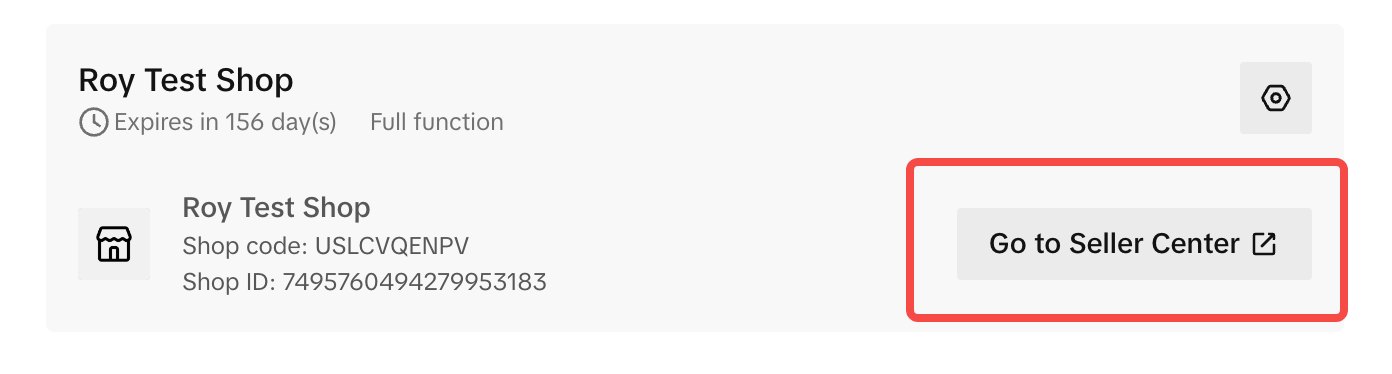
For developer full function accounts, please use the following entry point to navigate to Seller Center:
End-to-end testing flow
[Seller] Create a product


[Buyer] Find your development shop
Log in to the linked test buyer account. Use the linked official TikTok account name to search for your development shop, which can be found under the Shop tab.
[Buyer] Place a test order in the TikTok app
[Buyer] Initiate a customer conversation in the TikTok app
[Buyer] Send an order card
After placing a test order, when the buyer initiates a message, shortcuts will appear above the input box. Choose the order from the list and click the Send button to send an order card from the buyer to the seller.