Update SDK
When you need new TikTok Shop API access scopes in the SDK, new APIs in the existing API access scopes, or new features of the SDK, you can update the SDK integrated in your project. Find the updated SDK on the same page where you downloaded the original version of SDK.
The SDKs shown in the console are updated in the following cases:
- There are changes (additions or reductions) in the collection of API access scopes corresponding to your effective apps.
- There are additions, reductions, upgrades (including upgrades to the original version and new versions), or sunsetting of APIs within your collection of API access scope.
- There are upgrades to the SDK framework.
- There are upgrades to the supported language versions.
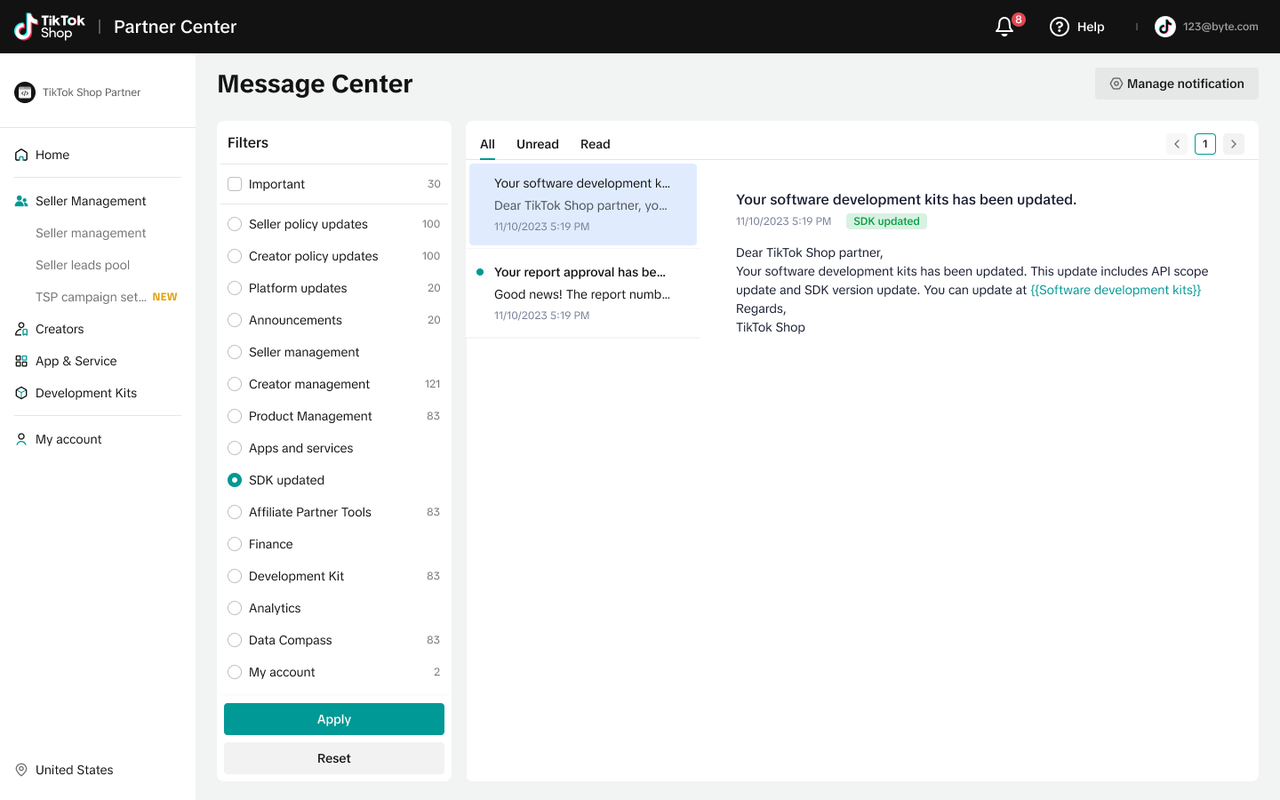
You'll receive notifications in TikTok Shop message center when there are updates on the SDK.
The SDKs are generated on a daily basis. You can also accelerate the process by clicking the check for updates button.
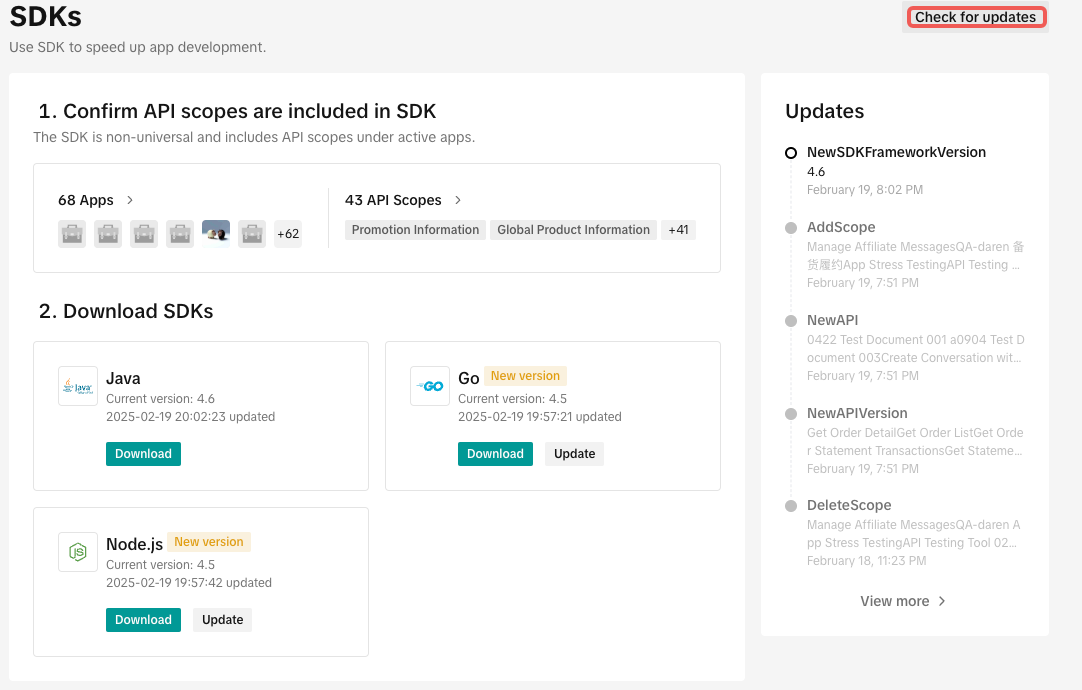
We endeavor to maintain backward compatibility with new SDK versions. Upon downloading the latest SDK, you may seamlessly integrate it into your existing project.